Training materials

The materials on this page were created by Olos Liviu Virgil, through Virtual Soft, and are published on liviu.ai, his personal site. Each card shows a screenshot of the material and opens it at its real address, where it can be worked through.

Course materials

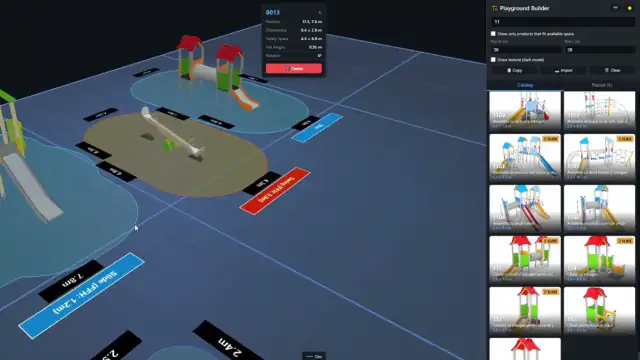
Learners work directly in the page — they pick a question, follow a route, do an exercise. The images are screenshots of the pages, not illustrations.

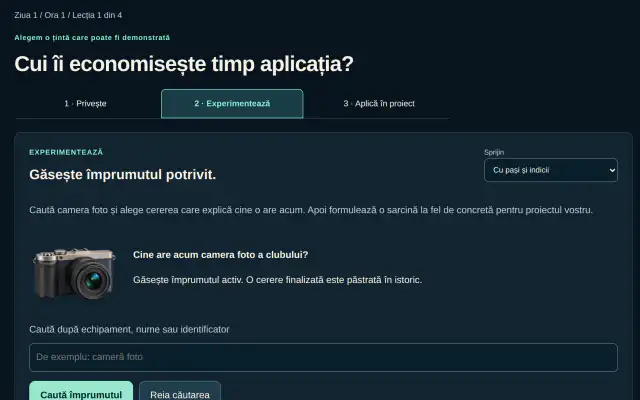
  • The lesson “Whose time does the application save?”, at its exercise step.

    AI applications lab

    A course in which each team builds an application of its own, lesson by lesson. Every lesson has three steps — the learner watches a short video, tries the idea in an exercise on the page, then applies it to the team's project and downloads the exercise sheet.

    Format
    4 days, 12 hours, 48 short video lessons, each with an exercise
    Language
    Romanian, with optional subtitles
    For
    teams building an application with the help of AI

    Open the material „AI applications lab” on liviu.ai
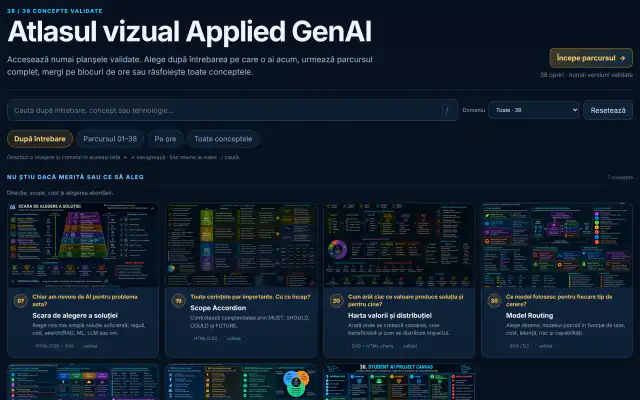
  • The start page — search, the four ways through and the first plates.

    Applied GenAI visual atlas

    38 concepts of generative AI — from RAG architecture and routing between models to the anatomy of costs and a project canvas — each on a plate with the question it answers. Learners go through them by the question they have, along the full 01–38 route, or by blocks of hours.

    Format
    38 plates, each naming the technology recommended for building it; search also works without diacritics
    Language
    Romanian
    Part of
    the Applied GenAI course

    Open the material „Applied GenAI visual atlas” on liviu.ai

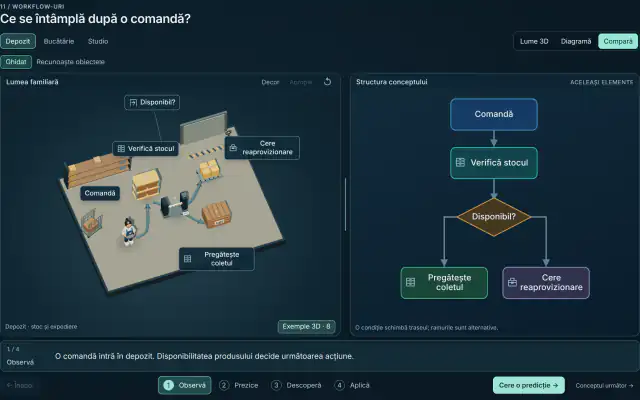
  • The concept “What happens after an order?” — the warehouse scene beside the flow diagram.

    The world of concepts in 3D

    The same concept in several familiar settings — a warehouse, a kitchen, a studio — shown as a 3D scene beside its diagram, with the same elements. Learners go through four steps — observe, predict, discover, apply.

    Format
    interactive 3D scenes (Three.js), synchronised with the diagrams
    Language
    Romanian
    Part of
    the Applied GenAI course

    Open the material „The world of concepts in 3D” on liviu.ai

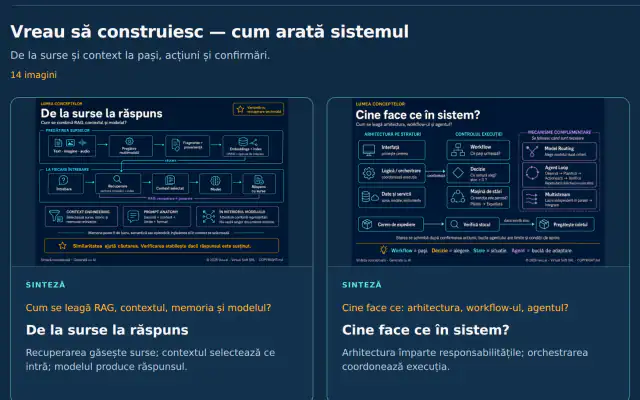
  • The section “I want to build — what the system looks like”, with two synthesis plates.

    The world of concepts in 2D — the image atlas

    The image edition of the atlas. Each plate links a question to a diagram and a one-sentence conclusion; learners go through them by question, along the course route, or by hours.

    Format
    51 images — 38 concepts, 6 syntheses and 7 materials on the risks of AI agents
    Language
    Romanian
    Part of
    the Applied GenAI course

    Open the material „The world of concepts in 2D — the image atlas” on liviu.ai

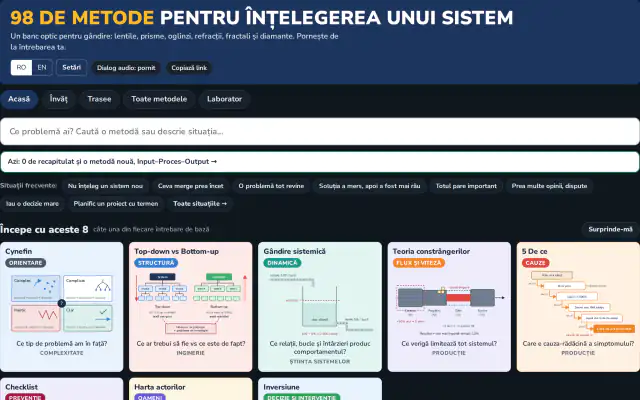
  • The start page — common situations and the first methods of “Start with these 8”.

    98 methods for understanding a system

    Systems-thinking methods — Cynefin, the theory of constraints, the 5 Whys, causal loop diagrams and others — each explained with a small diagram and the question it answers. Learners start from their own situation, for example “something is too slow” or “a problem keeps coming back”, follow guided routes and practise in the laboratory tab.

    Format
    98 methods grouped by question, guided routes, audio dialogues
    Language
    Romanian and English
    For
    managers and project leads

    Open the material „98 methods for understanding a system” on liviu.ai

Video recordings

Three recordings from Olos Liviu Virgil's YouTube channel. The preview images are hosted on this site; nothing loads from YouTube until you open a recording.

Training given by Olos Liviu Virgil

The courses, talks and training that Olos Liviu Virgil gives in his personal capacity are described on his own site, liviu.ai. They are his, and they are not presented here as references of Virtual Soft.